
Regex Cheat Sheet: Common Patterns for Developers
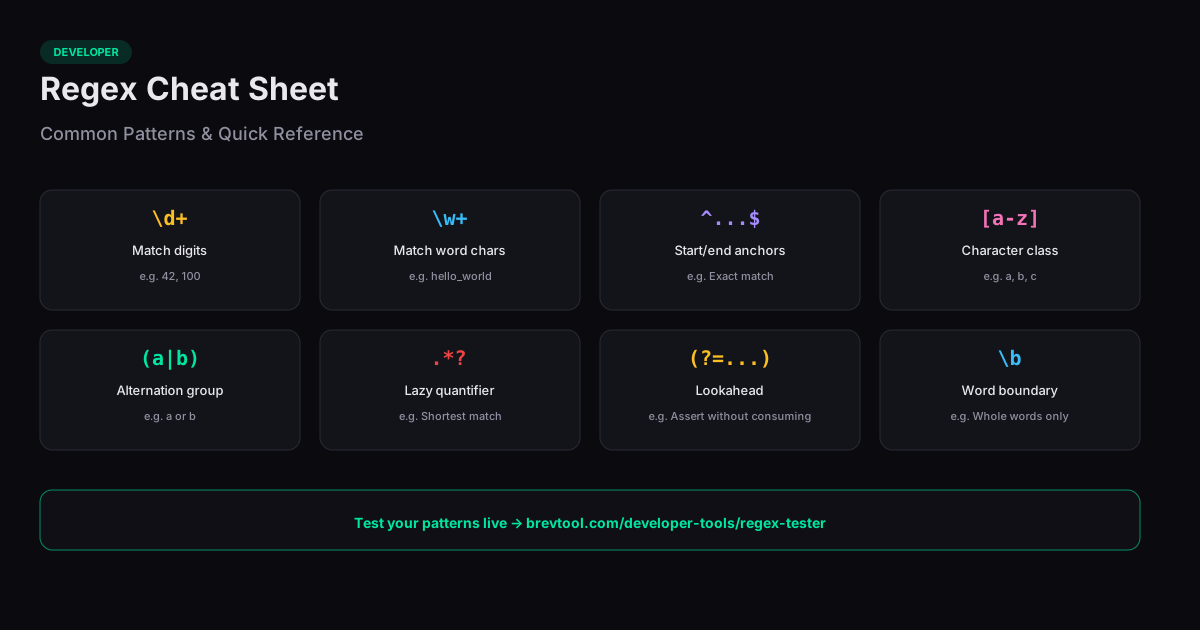
This regex cheat sheet provides a quick reference for the most common regular expression patterns and syntax. Whether you are validating input, extracting data from text, or building search-and-replace operations, these patterns cover the vast majority of real-world use cases.
Anchors and Boundaries
Anchors match positions rather than characters. The caret (^) matches the start of a line, and the dollar sign ($) matches the end. Together, ^pattern$ ensures the entire string matches the pattern with nothing extra. The word boundary \b matches the position between a word character and a non-word character — useful for matching whole words without picking up substrings.
For example, \bcat\b matches "cat" in "the cat sat" but not in "category." Without word boundaries, a simple search for "cat" would match inside longer words, producing false positives in search and replace operations.
Character Classes and Quantifiers
Character classes define a set of characters to match. [a-z] matches any lowercase letter, [0-9] matches any digit, and [^a-z] matches anything that is not a lowercase letter. Shorthand classes simplify common sets: \d for digits, \w for word characters (letters, digits, underscore), \s for whitespace, and their uppercase inverses \D, \W, \S for the opposite.
Quantifiers control how many times a pattern repeats. The asterisk (*) means zero or more, the plus (+) means one or more, and the question mark (?) means zero or one. Curly braces specify exact counts: {3} means exactly three, {2,5} means two to five, and {3,} means three or more. By default, quantifiers are greedy (match as much as possible); adding ? makes them lazy (match as little as possible).
Groups and Lookaheads
Parentheses create capturing groups that extract matched substrings. The pattern (\d{3})-(\d{4}) on "555-1234" captures "555" in group 1 and "1234" in group 2. Non-capturing groups (?:pattern) group without capturing, which is useful when you need grouping for alternation but do not need the matched text.
Lookaheads assert what follows without consuming characters. A positive lookahead (?=pattern) succeeds if the pattern matches ahead; a negative lookahead (?!pattern) succeeds if it does not. For example, \d+(?= dollars) matches "100" in "100 dollars" but not in "100 euros." Lookbehinds work the same way but check what precedes the current position.
Common Practical Patterns
Email validation (simplified): ^[\w.+-]+@[\w-]+\.[a-zA-Z]{2,}$ matches most standard email addresses. URL matching: https?://[\w.-]+(?:/[\w./-]*)? covers HTTP and HTTPS URLs. IP address: \b\d{1,3}\.\d{1,3}\.\d{1,3}\.\d{1,3}\b matches IPv4 format (though it does not validate ranges). Phone numbers vary by locale, but \+?\d[\d\s()-]{7,}\d captures most international formats.
The best way to learn regex is to experiment with a live tester. Paste your text, write a pattern, and see matches highlighted in real time. Adjust the pattern until it matches exactly what you need and nothing more.
Related Tools
Regex Tester
Test and debug regular expressions with real-time match highlighting.
Find and Replace
Find and replace text with support for regular expressions — all in your browser.
JSON Formatter
Format, validate, and minify JSON data in your browser. Supports syntax highlighting.
Diff Checker
Compare two blocks of text and see the differences highlighted side by side.